Sites and properties
Tracks fixed property assets and occupant changes while preserving site and service history.
Use a persistent site record when equipment and service history belong to a property even as its occupants change.
Before you start
Availability: Business plan and above. Enabled business features, role permissions, connected providers and supported devices may add requirements.
Documented roles: Owner, Office. A role name alone does not override the permissions set by your business.
Where to find it: Work > Sites > Properties.
Confirm the physical address and distinguish the site's identity from its current customer or occupant.
Step by step
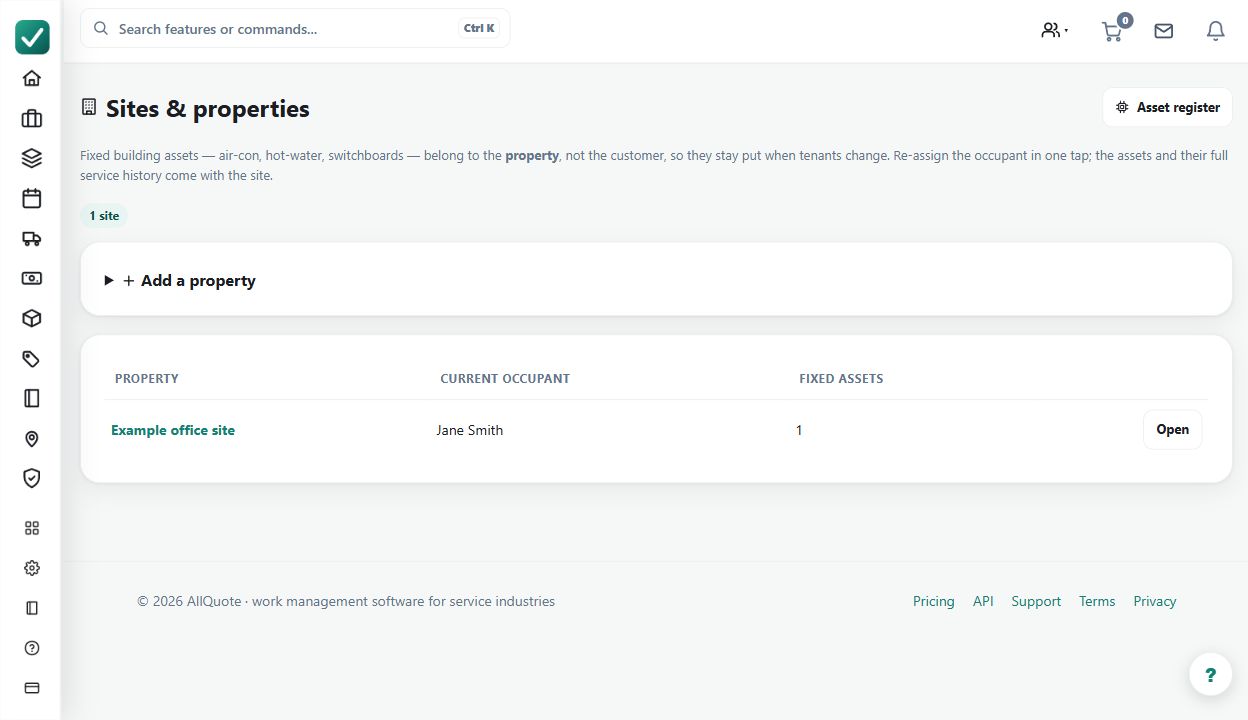
- Open Sites & Properties at /sites.
- Create the property/site with the service address and customer/occupant details.
- Attach fixed assets or open linked assets from the site record.
- When the occupant changes, update the occupant/customer details without deleting the site history.
Worked example
Maintain a property with several installed assets. When the occupant changes, update the relevant contact relationship while retaining the property and service history.
This is an illustrative scenario. Use your own approved scope, quantities, rates and business rules.
Check the result
Check that fixed assets and linked work still point to the same site and that new work uses the correct current contact.
Limits and troubleshooting
Deleting and recreating the site can fragment history. A change of occupant should not be treated as proof that the installed equipment or prior work has changed.
Check current plans and feature availability · Browse every guide