Pay runs
Prepares pay runs from approved timesheets and payroll-connected worker data, with hours and earnings sync to Xero/MYOB. Owner and payroll managers only.
Use pay runs to prepare period earnings from approved time and configured payroll worker data.
Before you start
Availability: Business plan and above. Enabled business features, role permissions, connected providers and supported devices may add requirements.
Documented roles: Owner. A role name alone does not override the permissions set by your business.
Where to find it: Money > Pay runs.
An owner or payroll manager should check worker mapping, pay rate classes and the supported Xero or MYOB payroll connection.
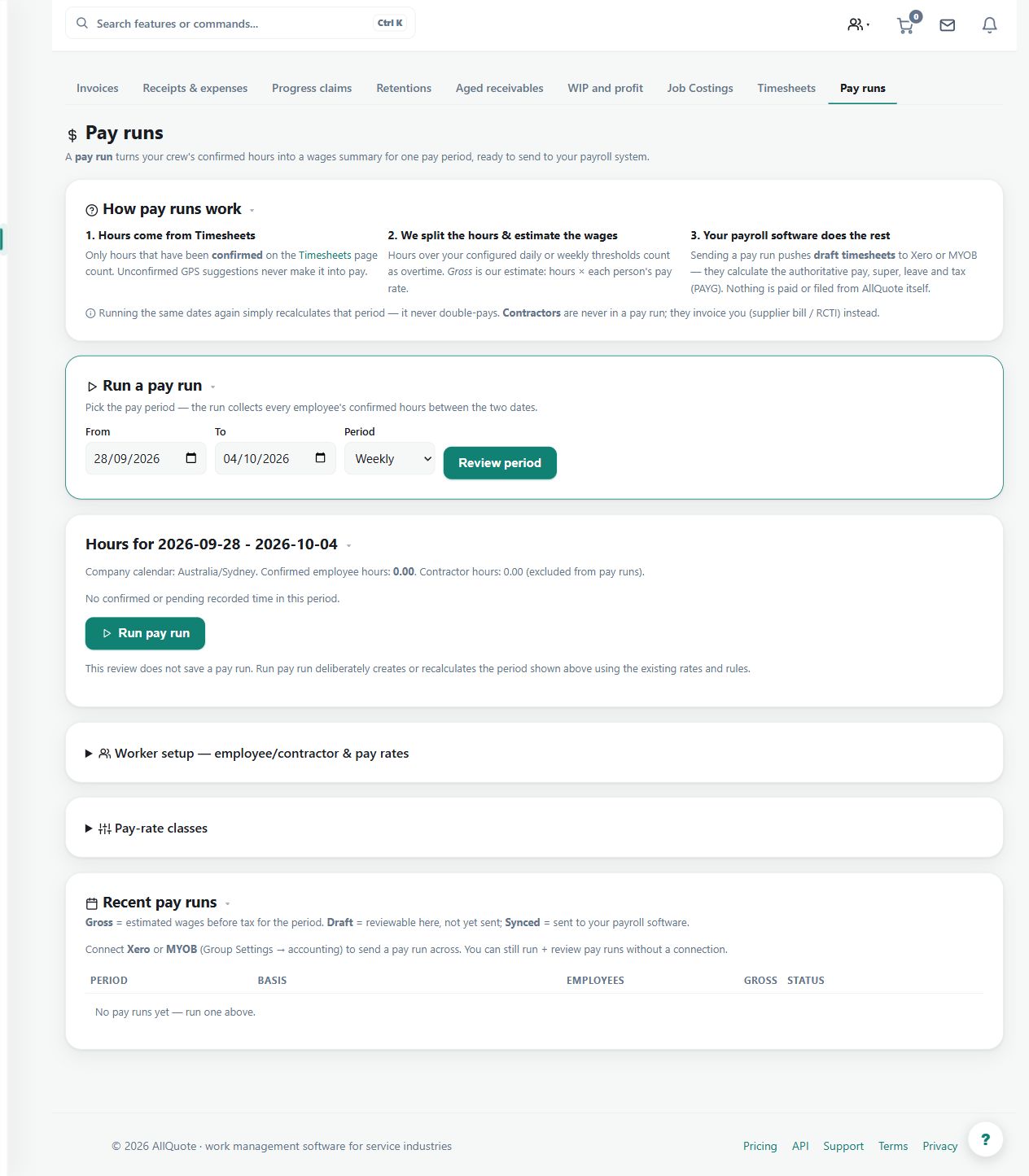
Step by step
- Open Pay runs at /payroll.
- Check worker pay data and pay rate classes before the run.
- Review the period earnings computed from approved timesheets.
- Sync hours and earnings to the connected Xero/MYOB payroll once the run is right.
Worked example
Review a week's approved timesheets, inspect the computed hours and earnings, and sync the reviewed run to the supported payroll provider.
This is an illustrative scenario. Use your own approved scope, quantities, rates and business rules.
Check the result
Compare worker totals and classifications with the underlying approved time and inspect the provider's sync result.
Limits and troubleshooting
A pay-run sync is not a bank payment or a guarantee of payroll compliance. General QuickBooks accounting support does not imply this workflow supports QuickBooks payroll.
Check current plans and feature availability · Browse every guide